Case Study 01
Stelix.
Your AI command center — Gmail and Google Calendar, managed through one intelligent assistant.
Live — stelix.akhtarraza.inRole
Design & Full Stack
Year
2025 — Present
Stack
Next.js · React · Google OAuth 2.0 · Gmail API · Calendar API
Status
Live · in production
The Problem
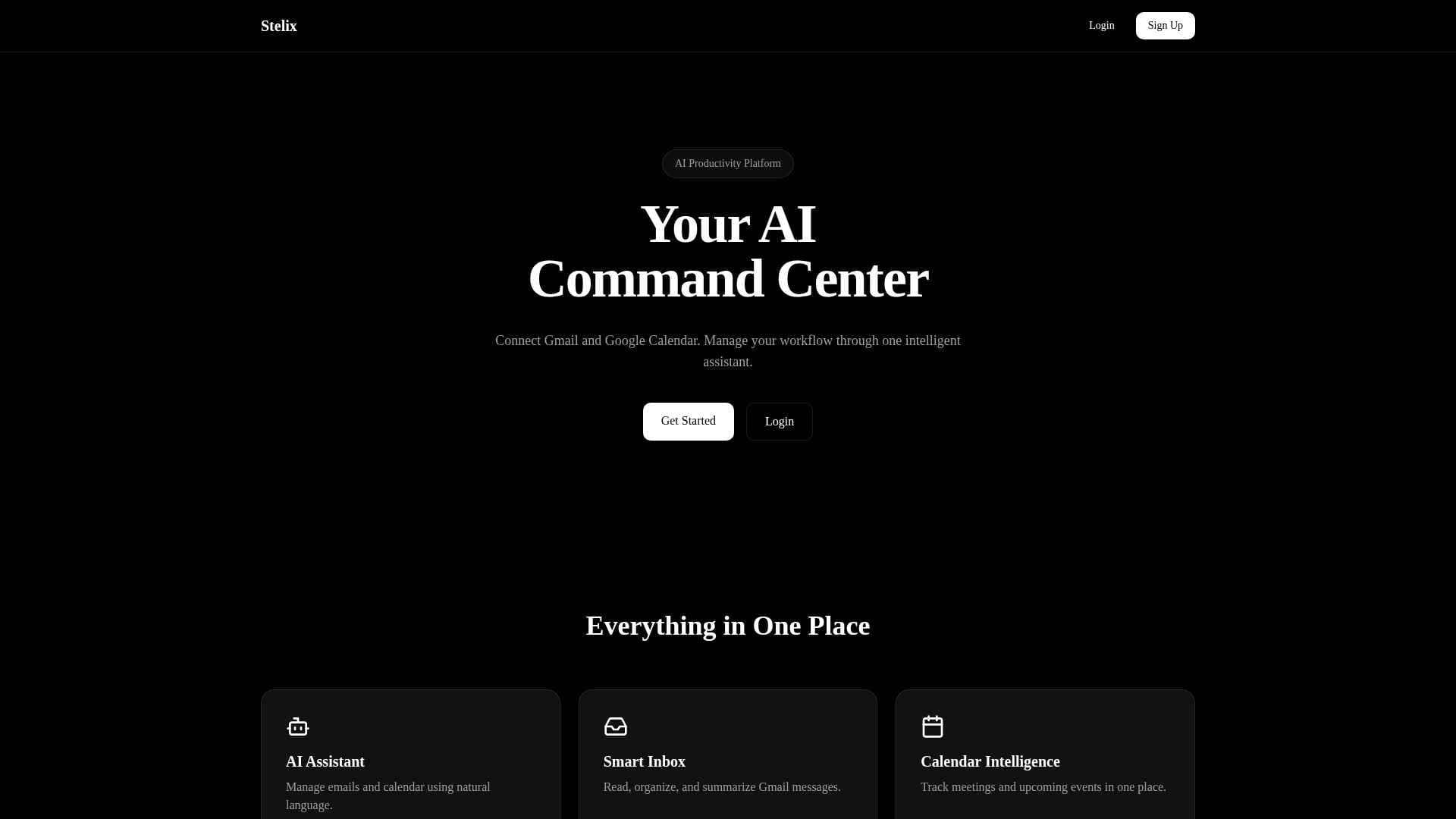
Stelix is an AI productivity platform: connect Gmail and Google Calendar, then manage your workflow through one intelligent assistant. Instead of switching between inbox, calendar and to-do apps, you ask Stelix — it reads, organizes and summarizes your messages and keeps every meeting in view.
Three features carry the product: an AI Assistant that handles email and calendar through natural language, a Smart Inbox that reads, organizes and summarizes Gmail, and Calendar Intelligence that tracks meetings and upcoming events in one place.
0
Google integrations
0
core features
0
assistant for everything
0
steps to done
Architecture
Every box is a decision. The notes are why.
Client
A single conversational surface for email and calendar — no tab switching.
Identity
Scoped connections to Gmail and Calendar — Stelix never sees a password.
Integrations
Reading, organizing and summarizing mail; tracking meetings and events.
Intelligence
Natural language in, real actions and summaries out.
Engineering Decisions
One assistant over three tools
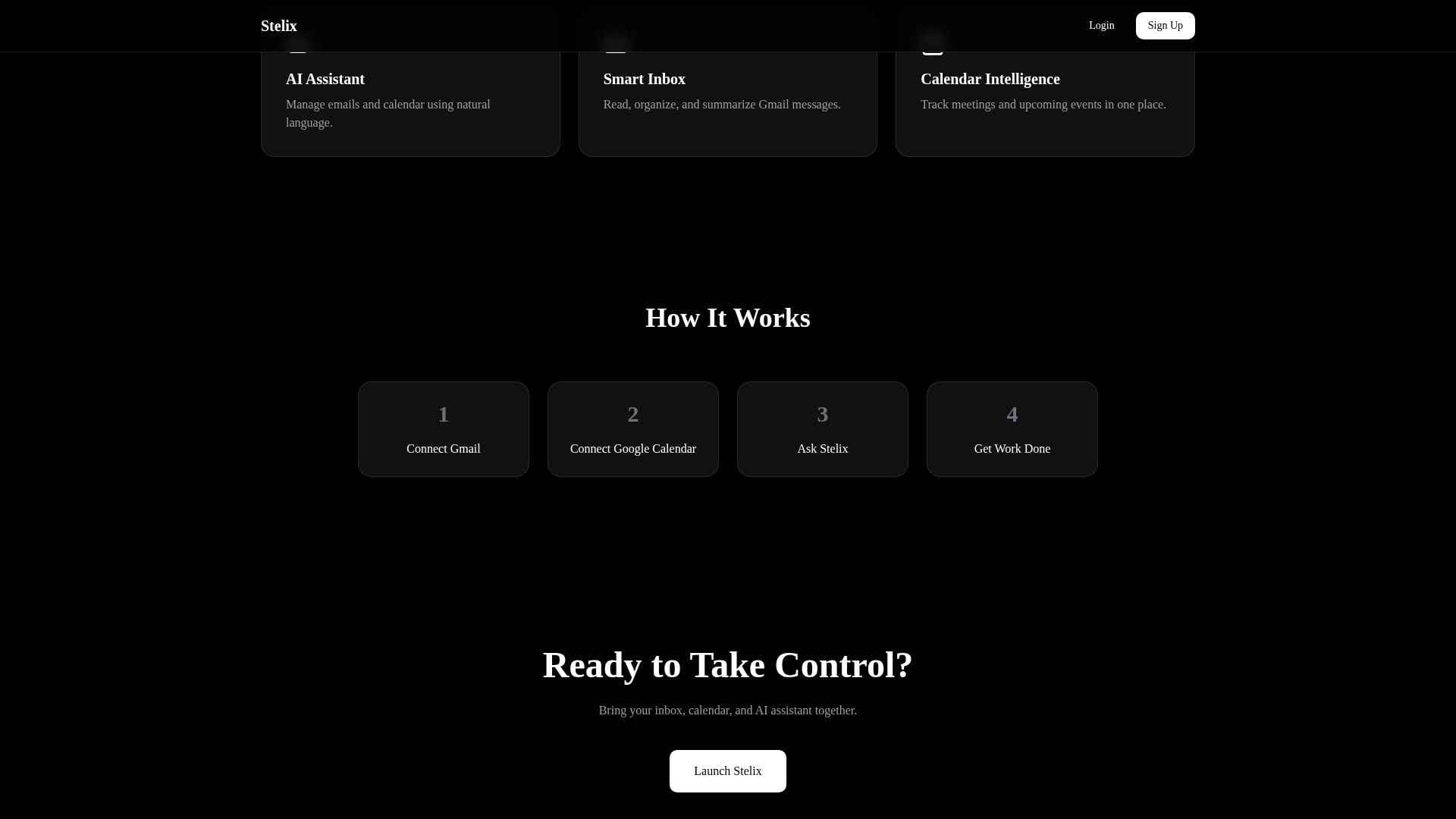
Email, calendar and planning usually live in separate apps. Stelix bet on a single conversational surface: connect Gmail, connect Calendar, ask Stelix, get work done — that four-step flow is the entire onboarding.
OAuth scopes over credentials
Google OAuth 2.0 with scoped access means the product never touches a password, and users can revoke access from their Google account at any time. Security as a feature, not a footnote.
Summaries as the default inbox view
The Smart Inbox doesn't just list mail — it reads, organizes and summarizes, so triage takes seconds. The assistant earns its place before the user ever types a command.
What It Taught Me
“Integrations are the product — the assistant is only as good as what it connects to.”
“Onboarding should be four steps, not forty.”
“A summary people trust beats a feed people scroll.”